Page updated: 07 October 2026
Photoshop & Lightroom Tutorials by Glen Smith
Clear, practical editing. No jargon, no hype — just real techniques that make sense.
Featured Lightroom & Photoshop Tutorials



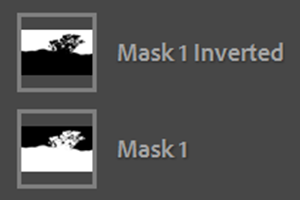




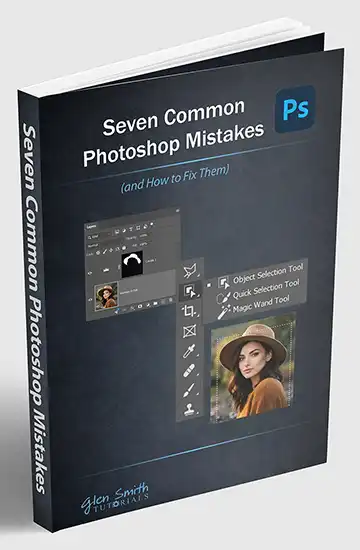
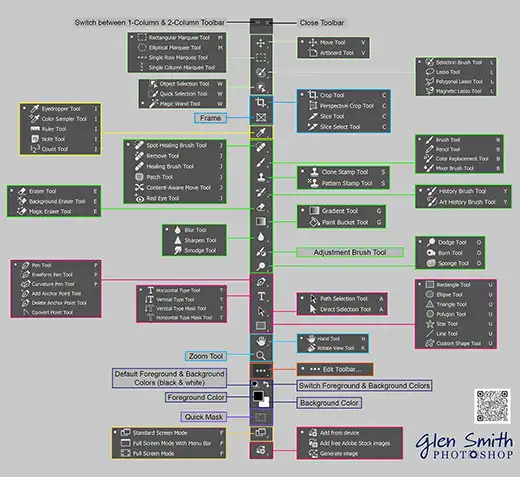
Learn Photoshop with clarity and real-world logic
Photoshop doesn’t have to feel overwhelming. I teach the tools that actually matter — the ones you’ll use every day. Simple explanations, practical examples and repeatable steps that build confidence fast.





Learn Lightroom with clarity and real-world logic
Lightroom becomes simple when you understand what each tool actually does — and when to use it. Clear explanations, practical examples, and repeatable steps that build confidence fast.
How I Teach
I teach from real experience — not theory. After hundreds of classroom sessions, I’ve seen what learners actually struggle with and how they really learn. My approach is built around that. Many beginners can absorb one new concept at a time, not five. I teach in short, focused steps: one tool, one technique, one example, one practice task. This prevents overwhelm and builds confidence quickly.
Watching me is not enough — learners have to do it themselves. I demonstrate at a slow, deliberate pace, then hand it over. They repeat the steps, make mistakes, correct them, and build the muscle memory that actually sticks.
I don’t teach isolated tips. I teach the real workflow: import, organise, edit, refine, export. That gives learners a mental map they can follow every time they sit down to work, instead of a bag of disconnected shortcuts.