Page updated: 21 September 2026
7 Common Photoshop Mistakes — and How to Fix Them
What You’ll Learn Inside the Free PDF
Many Photoshop users struggle with the same recurring problems — wrong tools, destructive editing, messy selections, not using the best selection tool and fixes that make images worse instead of better.
This free 20‑page PDF explains seven common mistakes that cause the most frustration, and the simple corrections that immediately improve your editing.
ON THIS PAGE
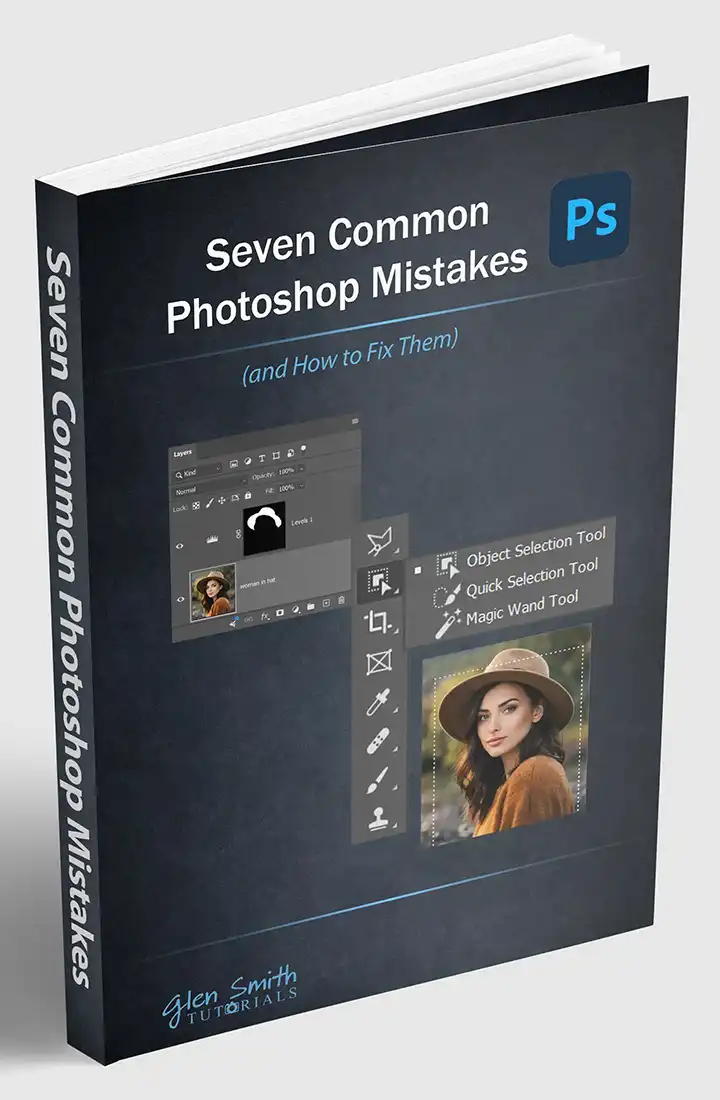
Seven Common Photoshop Mistakes
(and How to Fix Them)
- Working on the Wrong Layer
- Using Exposure or Brightness instead of Levels
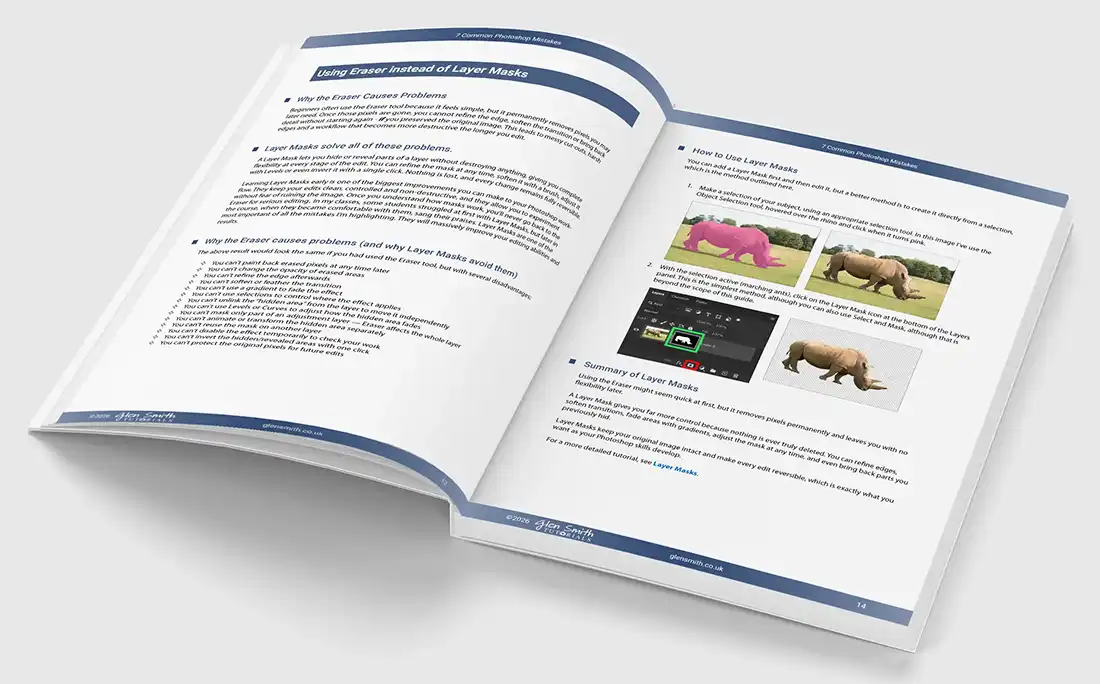
- Using Eraser instead of Layer Masks
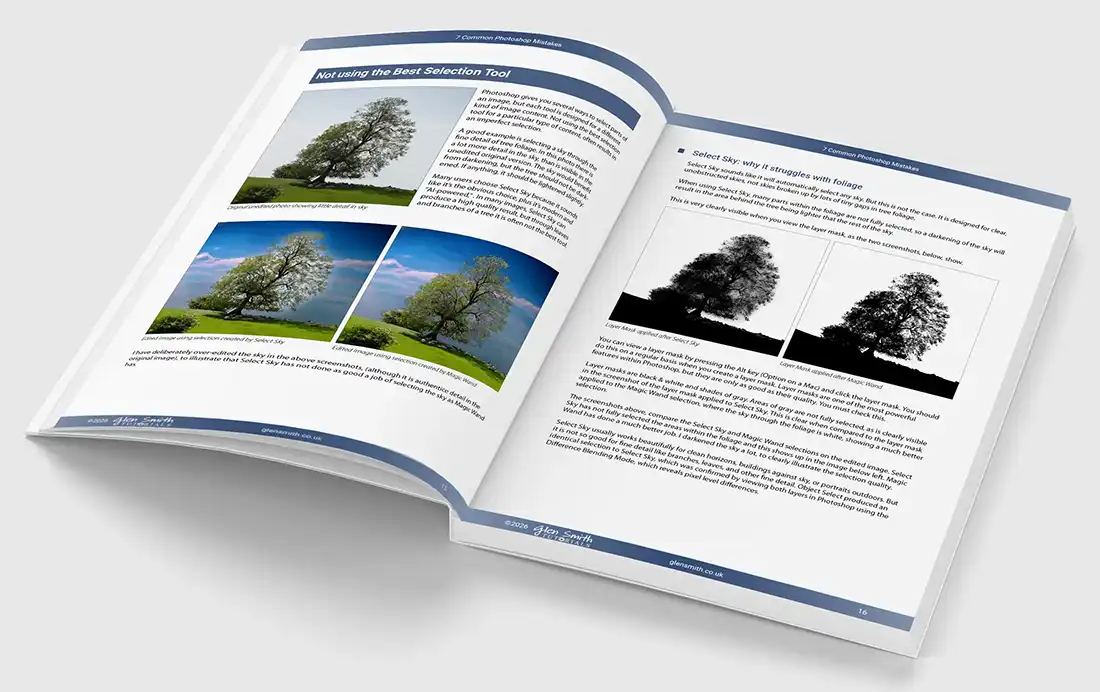
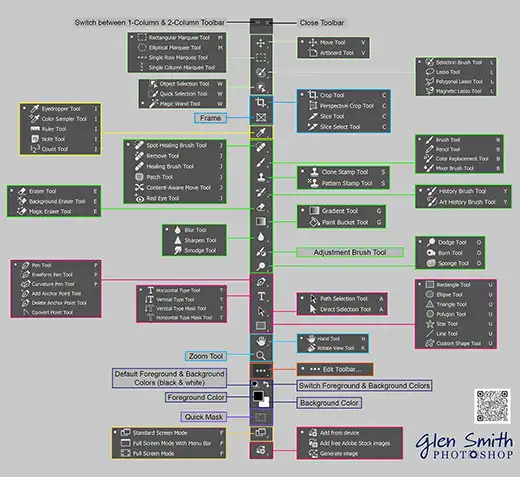
- Using the Wrong Selection Tool
- Editing Destructively
- Not Zooming in Enough
- Not Using Adjustment Layers
My tutorials evolve from classroom teaching
I’ve been a full‑time professional photographer for 38 years and have used Photoshop daily for over 30 years. I’ve taught Photoshop and digital photography for 20 years, both in classrooms at the major local college and one‑to‑one, helping hundreds of students develop solid editing habits. I’ve learned from them which areas cause the most difficulty and the issues they encounter repeatedly.
In this guide and on my website, I aim to make Photoshop easier to learn — a program that, despite the rise of AI tools, still demands understanding and skill. My goal is to make Photoshop clear, logical and accessible, taught in a way that genuinely works for real learners.
Inside Pages Preview