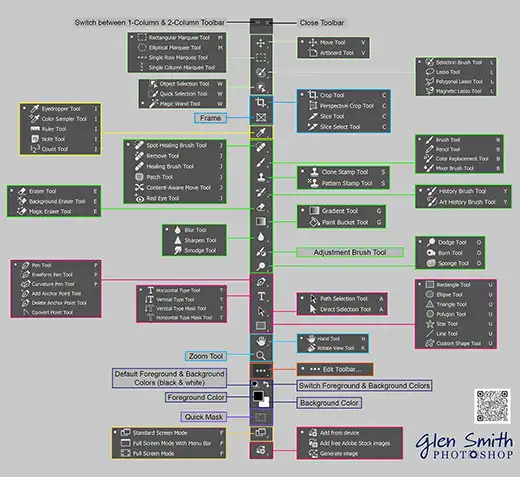
Page updated: 29 August 2026

Adobe Photoshop
Clear, practical editing. No jargon, no hype — just real techniques that make sense.
Featured Photoshop Tutorials

Master Photoshop
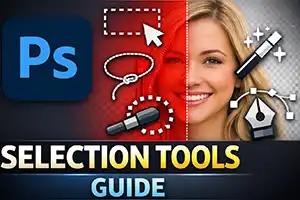
Photoshop is at its best when you understand how its pieces fit together — layers, selections, masking, tools, and exporting. I teach each part clearly and practically, so you can build a workflow that feels confident, consistent, and under control.