Page updated: 14 June 2026
Photoshop Selection Tools
Complete Index of All Selection Tools
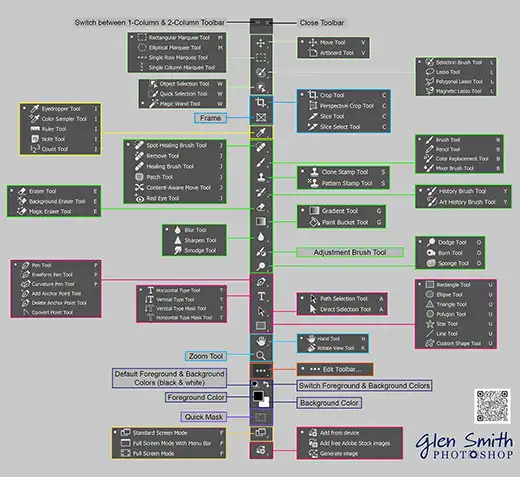
Photoshop’s selection tools allow you to isolate parts of an image so you can edit, mask, move, or adjust them independently. These tools form the foundation of almost every Photoshop workflow — from simple cutouts to advanced compositing.
This page groups all selection-related tools into clear categories, reflecting how Photoshop is actually used in real workflows.
Click any tool below to open its full tutorial.
ON THIS PAGE
Toolbar Selection Tools


Colour-Based Selection Tools

Pen & Path-Based Selection Tools
These tools create vector paths that can be converted into precise selections.


Masking & Workflow Tools Used for Selections
These tools are not “selection tools” in the toolbar, but they are essential for creating, refining, and controlling selections in real Photoshop workflows.