Page updated: 21 July 2026
Lightroom Export Presets
Your Hub for Fast, Consistent Lightroom Exports
Lightroom Export Presets let you save your export settings so you can reuse them instantly. They remove repetitive work, keep your exports consistent and make it easy to create different versions of the same photo without re‑entering settings every time.
This page is your central hub for everything related to Lightroom Export Presets. If you want to create presets, update them, organise them or use them for specific purposes such as email, printing or social media, all the tutorials are linked below.
ON THIS PAGE
Quick Export Tutorials
These three core tutorials cover the most important Lightroom export topics. Click any thumbnail to jump straight in.
What Export Presets Are
An Export Preset is simply a saved set of export settings — format, size, quality, sharpening, naming and destination. Once saved, you can apply those settings with a single click whenever you export your photos.
Presets are ideal for beginners because they remove guesswork and ensure your exports always look the way you expect.
Recommended Beginner Presets
These simple presets cover the most common beginner needs:
- Email – 2048px long edge, JPEG, 70% quality
- WhatsApp – 1600px long edge, JPEG, 70% quality
- Instagram – 1080px long edge, JPEG, 80% quality
- Printing (small prints) – 3000px long edge, JPEG, 100% quality
- Maximum Quality – full size, JPEG 100%
These presets give you fast, consistent results without needing to adjust settings each time.
Lightroom Export Preset Tutorials
Choose the tutorial you need:
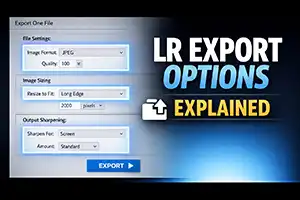
Lightroom Export Options Explained – a complete reference guide to every Export option.
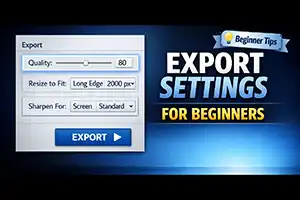
Recommended Lightroom Export Settings for Beginners – simple, reliable export settings for everyday use.
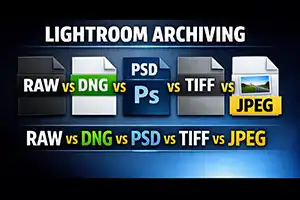
Lightroom Archiving – Keeping your files safe – understand which file types to keep, and why they matter.
