Page updated: 20 November 2026
Destructive vs Non-Destructive Editing
Understanding the difference between destructive and non-destructive editing is essential for anyone who wants full control over their images. These two approaches determine how flexible your workflow is, how easily you can revise your adjustments later, and how much original image data you preserve throughout the editing process.
ON THIS PAGE
What do we mean by Destructive and Non-Destructive Editing?
Destructive editing refers to any adjustment that permanently alters the pixels in your image. Once these changes are applied, the original pixel data is overwritten, which limits how much you can revise or undo later, especially after saving and closing the file.
Because destructive edits directly modify the image, you should always keep an untouched copy of the original. A common approach is duplicating the layer and applying your edits to the duplicate, but this increases file size and still restricts how easily you can refine those edits later.
While destructive editing can be fast and convenient, it becomes problematic when you need to revisit your work. Without the original pixel data, you may be forced to start again or accept the limitations of editing an already-edited image. Although you can undo edits while the image is open, once it has been saved and closed, those changes can no longer be undone in the same way.
Non-Destructive Editing
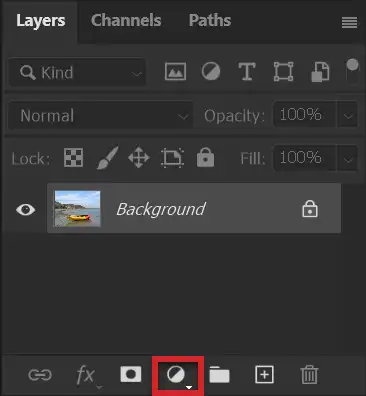
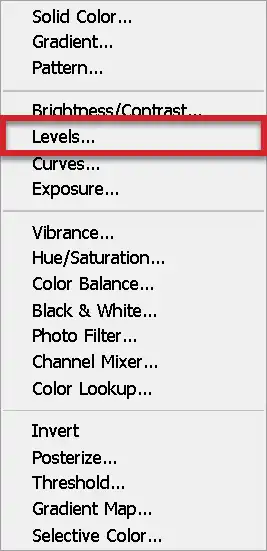
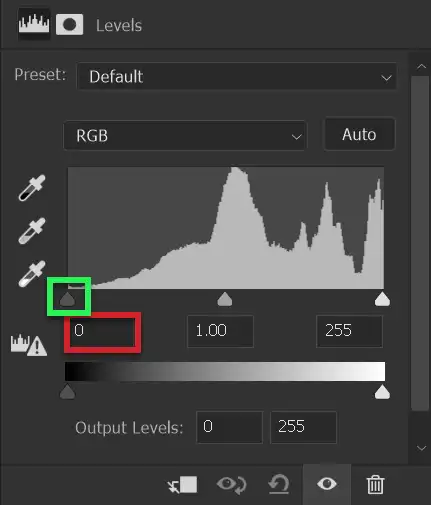
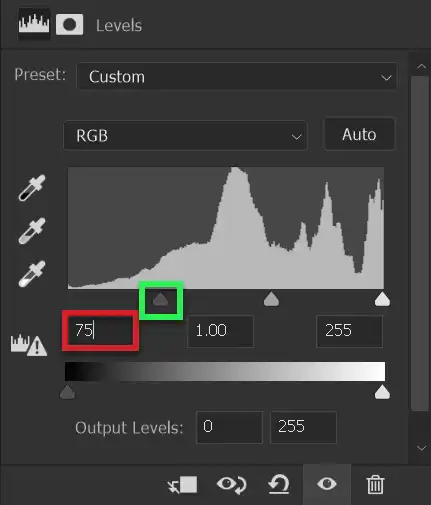
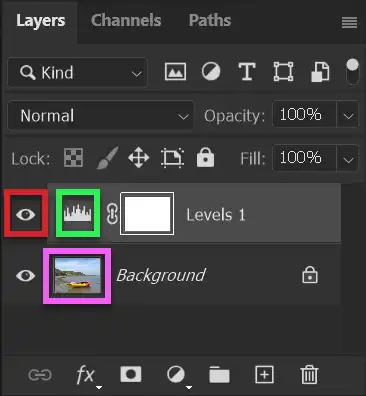
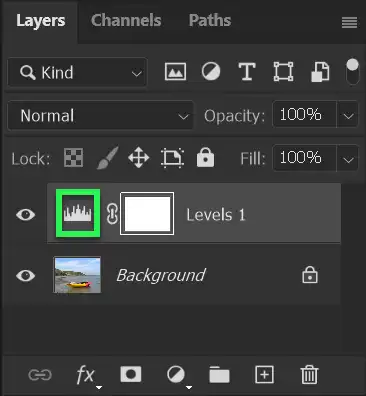
Non-destructive editing allows you to make changes to an image without permanently altering the original pixels. Instead, the adjustments are held in separate elements, such as Adjustment Layers, Layer Masks, Smart Objects, Smart Filters and Layer Styles.
Non-destructive editing should be your aim whenever you edit an image. Not only does it preserve the original, but it also gives you maximum flexibility to adjust your edits without compromising the original image data.
The main advantage of non-destructive editing is the ability to revisit and modify your adjustments at any time in the future, without the cumulative loss of image quality associated with repeatedly altering pixels. Another benefit is that it often avoids the need to duplicate layers simply to preserve the original, helping to keep file sizes manageable.