Page updated: 14 June 2026
Photoshop Frame Tools
Complete Guide to the Frame Tool
The Frame Tool in Photoshop allows you to create image placeholders for fast, flexible layout design. Frames act as containers that automatically mask any image you drag into them, making them ideal for:
- Photo grids and galleries
- Magazine-style layouts
- UI/UX mockups
- Drag-and-drop image replacement
- Template creation
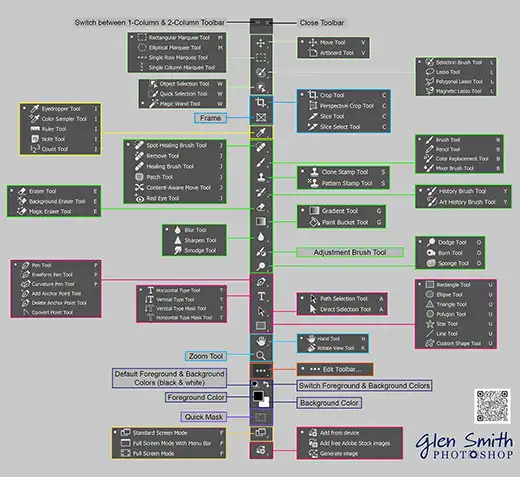
This hub page provides quick access to the Frame Tool tutorial and explains its purpose within the Photoshop toolbar.
Click the tool below to open its full tutorial.